
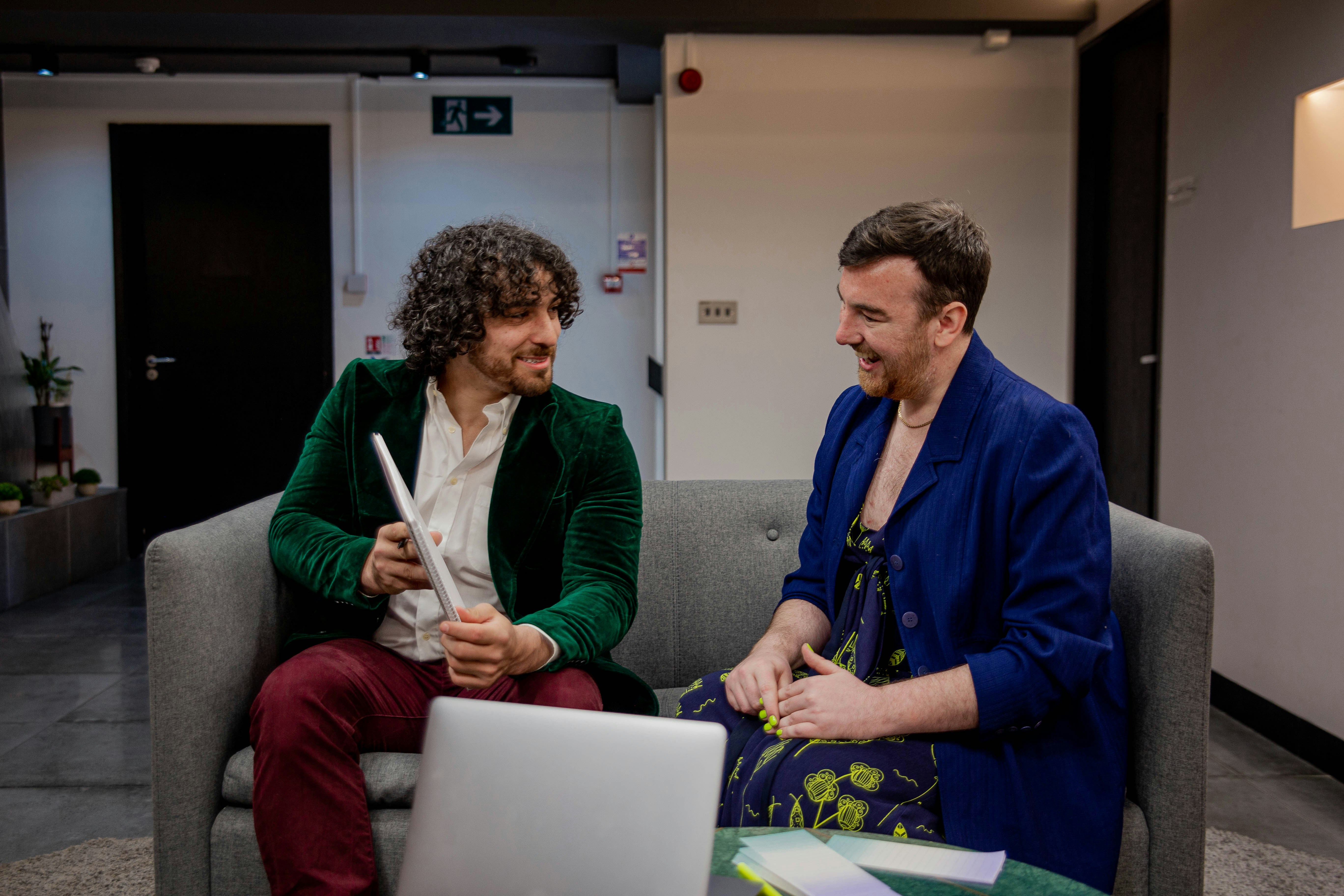
Meetings move fast. Whether you're training new employees, capturing interviews, or documenting high-stakes decisions, sometimes a simple summary isn’t enough - you need the full record. That’s where meeting recording tools come in.
These tools do more than just hit "record." They capture full video and audio, provide searchable transcripts, and let you rewatch (or reuse) key moments on demand. Think of them as your core memory or second brain: reliable, reviewable, and built to keep everything in one place.
In this guide, we’ve rounded up the best meeting recording tools for 2025 - spotlighting what each one does best, who it’s for, and how to choose the right fit for your workflow.
TLDR: Top picks
Best for phone heavy workflows: Dialpad
Best for in person recording: Otter
Best for AI summaries and takeaways: Supernormal
Best for noise removal with recording: Krisp
Best for sales teams and coaching: Gong
Best for turning meetings into finished work: Supernormal app
How we chose these meeting recording tools
When creating this list, we focused on practical, real-world utility. Our goal is to help you find the best meeting recording tools for your needs, whether you’re looking for full-video recordings, meeting insights, or the ability to autoshare meeting summaries. Here’s how we made our selections:
We analyzed third-party ratings and reviews
We looked at reviews from trusted sources like G2 to understand what real users value (and critique) about each tool. This helped us spot common pain points and standout strengths.We highlight each tool’s best use case, not just who’s “#1”
Instead of ranking tools from first to last, we chose to spotlight what each product does best. Some are great for integrating with your CRM and productivity systems, while others shine at generating instant summaries or serving async teams. We believe the best tool depends on how you run your meetings.
By combining user feedback, real-world experience, and tailored evaluation, we’ve curated a list that helps you make an informed choice faster.
Most notable meeting recording tools in 2025
Dialpad - Best for customer calls and real time transcription
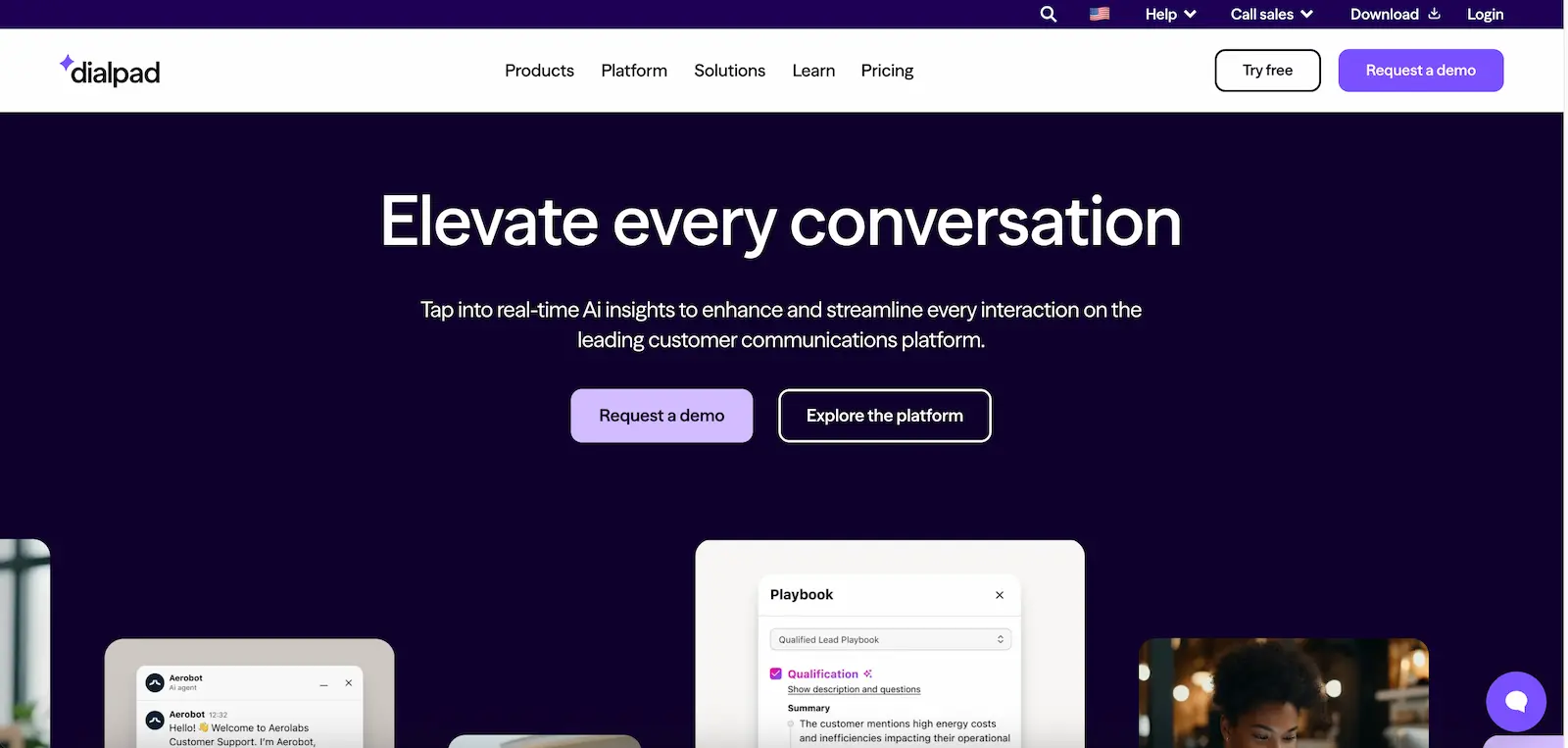
Dialpad is ideal for customer support, customer communications, and phone heavy workflows. It offers high quality call recording, real time transcription, and AI summaries for teams who rely on frequent inbound and outbound calls.
Features / Highlights:
Unlimited HD voice calls, AI-powered meetings, and messaging
Real-time transcription and instant call summaries
CRM integrations, admin controls, and analytics
24/7 support on Pro and Enterprise plans
Pros:
Real-time transcription is highly accurate
Seamless integration with CRM and helpdesk platforms
Easy to set up and manage across devices and office locations
AI-powered call summaries reduce manual note-taking
Strong mobile and desktop app support for hybrid work environments
Clean, intuitive interface praised by users
Cons:
Limited support for advanced video or screen sharing features
AI summaries can be inconsistent depending on audio quality
Transcription struggles with heavy accents or low-quality calls
Customer support response time varies by tier
Reporting features could be more customizable
Pricing:
Standard: $15/user/month
Includes unlimited calls, transcripts, and meetings
Pro: $25/user/month
Adds CRM integrations, 24/7 support, and multi-office management
Enterprise: Contact sales
Includes SSO, advanced controls, and scalability across teams
What users say about Dialpad:
"It's easy to make calls from your phone, computer, and Bluetooth headsets. It's a tool that we use often (every day) to communicate internally and externally. The support team is great at resolving technical issues." - Verified User, G2
“The only "con" I've run into is the fact that I'm bilingual and sometimes have to speak Spanish during an English call and that scrambles up the algorithm and the AI goes bananas.” - Alex F, G2
Otter.ai - Best for in-person meetings
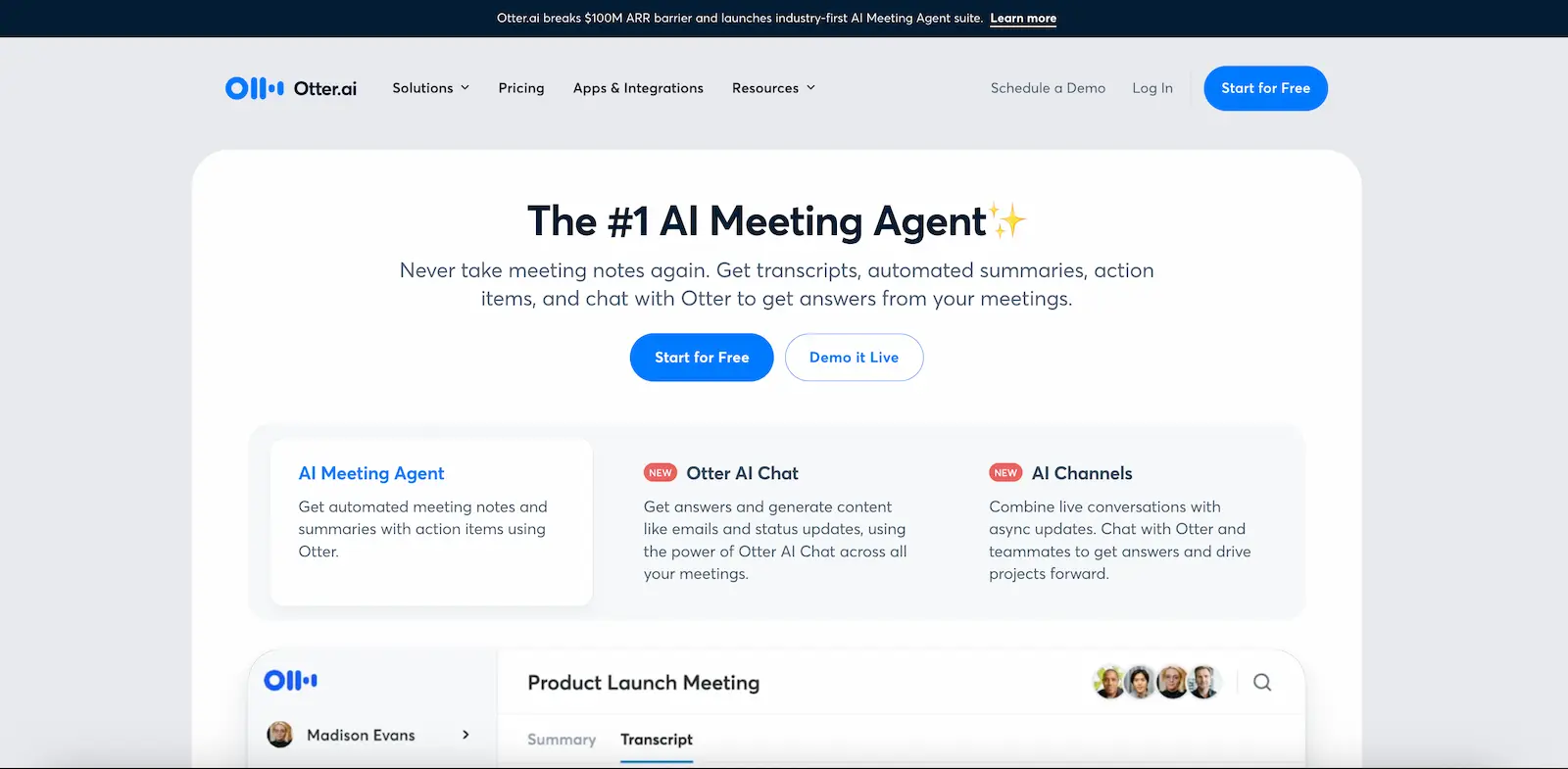
Otter.ai is a versatile meeting transcription tool that shines in live, in-person contexts. Its mobile app can record audio while transcribing conversations in real time. With speaker tagging, search functionality, and offline support, it's a strong option for anyone capturing meetings on the go.
Take a look at Otter’s in-person meeting guide to get started!
Features / Highlights:
Mobile app for live recording and transcription
Speaker identification and tagging
Works offline or without a conferencing platform
Searchable transcripts with real-time syncing
Pros:
Perfect for in-person use: start recording instantly from a phone without special equipment
Intuitive interface with strong mobile and desktop usability
Real-time transcription with searchable transcripts
Automatically generates summaries and action items
Cons:
Transcription accuracy can drop with background noise or strong accents
Currently supports only English, Spanish, and French
Speaker labeling can be inconsistent in group settings
Subscription model can be costly for frequent users
Users have reported delays in customer support and privacy controls
Pricing:
Basic (Free)
300 monthly transcription minutes, 30 minutes per conversation, and import up to 3 audio or video files per user
Pro: $8.33/user/month (billed annually)
Includes 1200 monthly transcription minutes, 90 minutes per conversation, advanced AI meeting templates, and import of 10+ files per month
Business: $20/user/month (billed annually)
Includes 6000 minutes per month, 4-hour conversation limits, unlimited file imports, concurrent meetings, analytics, and admin tools
Enterprise
Custom pricing with SSO, domain capture, organization-wide deployment, video replay, and HIPAA-compliant security features (coming soon)
What users say about Otter.ai:
"I use Otter to create transcripts of all my Zoom meetings. They are better than the transcripts that Zoom is producing. Also, the summary is fairly good in Otter." - Brenda K, G2
"For free features - it is very limited and sometimes in noisy environments or in slow networks it struggles a bit." - Shivam S, G2
Krisp - Best for clear audio with noise cancellation
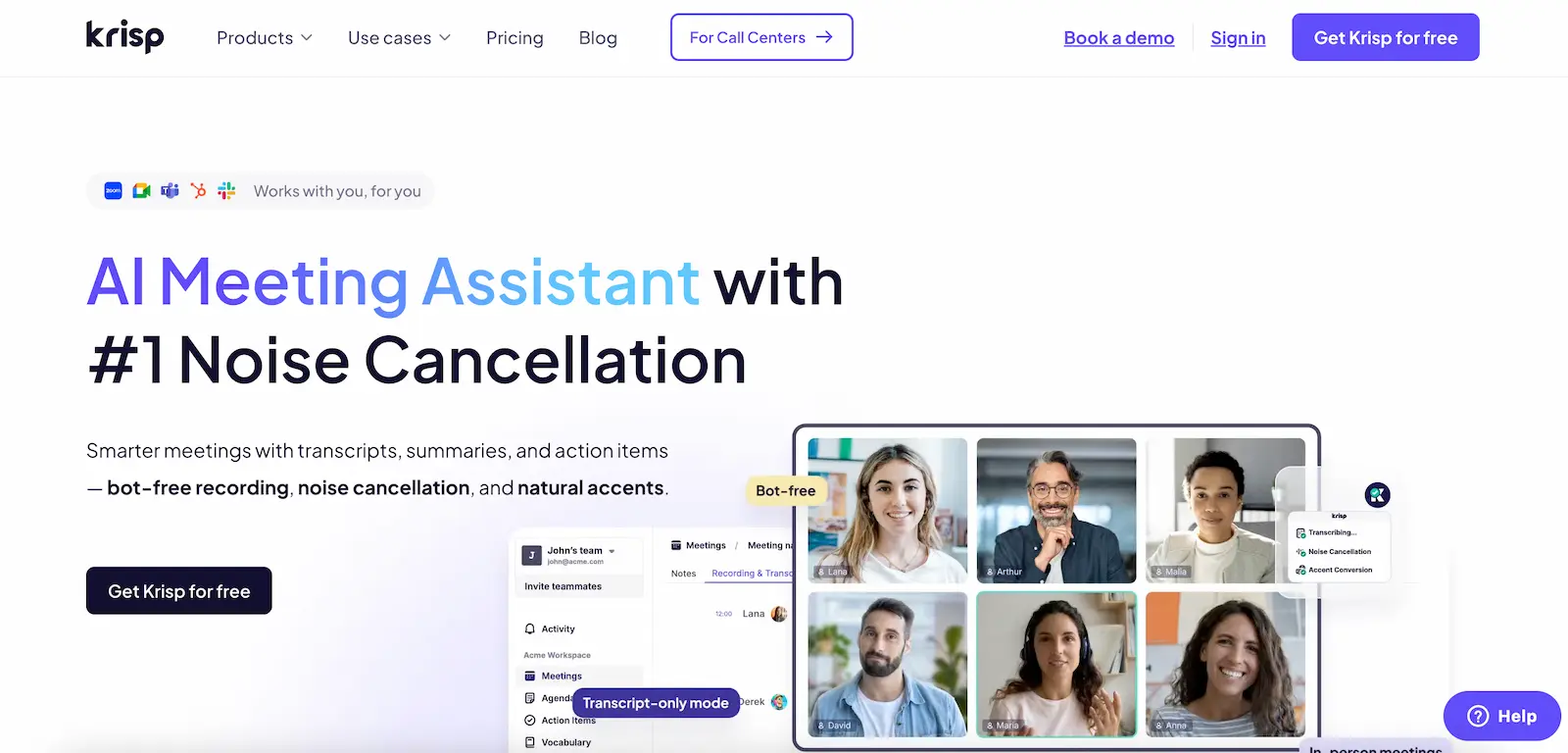
Krisp is a lightweight audio enhancement tool designed to improve the quality of your meetings by removing background noise, echo, and voice distractions in real time. In addition to its core noise cancellation features, Krisp also offers meeting recording, call summaries, and talk-time analytics, making it ideal for professionals who want crisp recordings with built-in insights.
Features / Highlights:
Real-time noise, echo, and background voice cancellation
Real-time meeting insights, summaries, and talk-time analytics
Bot-free recording
Integrates with Slack, Microsoft Teams, and others
Pros:
Effective noise, echo, and background voice removal, even in busy environments
Seamless experience with minimal CPU impact
Simple setup with an intuitive user interface
Reliable for improving call clarity and user experience
Cons:
Occasional issues with call summary accuracy
Less suitable for teams needing collaborative meeting documentation
Noise cancellation may degrade audio for some voice tones
Limited free tier with daily time caps
Most features gated behind paid tiers
Pricing:
Free:
Limited to 60 minutes/day of noise cancellation, with basic call summary features
Pro: $8/month (billed annually)
Adds video recording, unlimited noise cancellation, support for 17+ languages, AI chat, and support for in-person/hybrid meetings
Teams: $15/month (billed annually)
Adds dedicated support, 30GB storage, meeting link sharing, and admin controls
Watch Krisp’s noise cancellation capabilities as they are put to the test, below.
What users says about Krisp:
“In order to have any kind of success in my role, it's imperative that when speaking with individuals/offices, there are no background distractions. That being said, I am also a full time Mommy to 6 young children… However I found the Krisp App and it was a GAMECHANGER! It blocks out EVERYTHING and EVERYONE else's voice/crying while I'm on the phone, so well in fact that my baby can be throwing a fit 2ft away from me, and the person on the other end of the phone never hears a peep.” - Brandi W, G2
“Some meetings that apparently were recorded do not show in my meeting history and seem to have been lost, and the Krisp customer support team haven't been able to help me.” - Verified User, G2
Gong - Best for large revenue teams and sales coaching
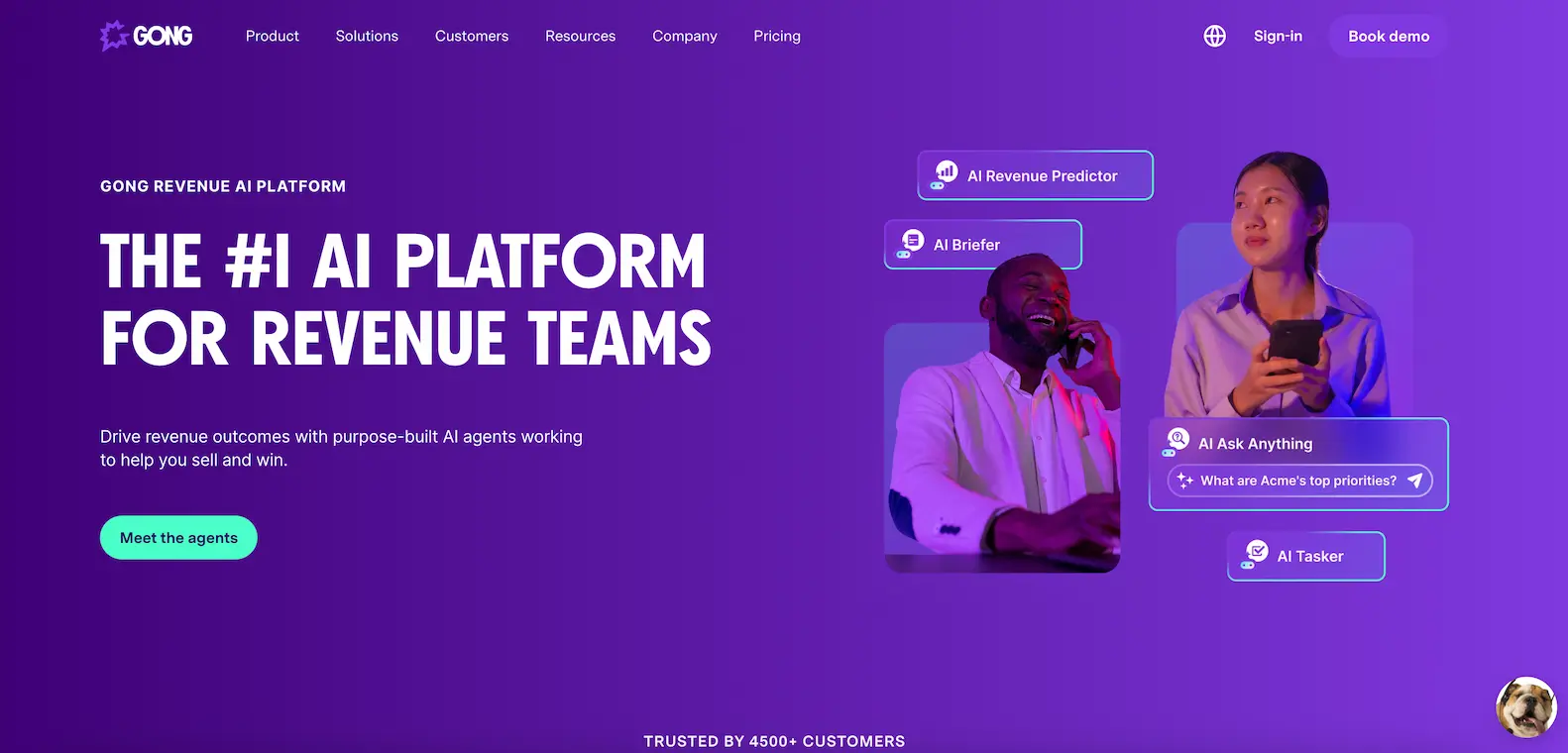
Gong is a conversation intelligence platform designed for go-to-market teams. It records, transcribes, and analyzes sales calls to deliver insights on deal progression, customer objections, and rep performance. It integrates with popular CRMs and supports multi-channel capture, including Zoom and phone calls.
Features / Highlights:
Records and analyzes video and voice calls
Conversation analytics tied to deal stages and pipeline
Smart search across calls, topics, and participants
Deep CRM integration with Salesforce, HubSpot, and others
Pros:
Powerful analytics for sales performance and deal health
Identifies talk ratios, follow-ups, and next steps
Helps uncover common objections and winning behaviors
Centralized view of customer interactions across reps and accounts
Cons:
High learning curve for new users or non-sales teams
Can surface too much data without clear prioritization
Setup and implementation require sales ops involvement
Pricing not transparent; requires custom proposal
Less relevant for teams outside of GTM or revenue functions
Pricing:
Gong’s pricing is custom based on team size and needs
Licenses are priced per user, with a platform fee based on the number of supported users
CRM and tech stack integrations are included at no additional cost
Interested teams must contact sales via a form to receive a tailored proposal
What users say about Gong:
"Using Gong has been a game-changer for my growth. Being able to rewatch my calls and review them with my manager has helped me sharpen my messaging and spot areas to improve. I also love having searchable transcripts—it makes it easy to update my notes and keep track of deal momentum. It’s made me more thoughtful, more prepared, and ultimately more effective in my role." - Emma L, G2
“The only thing I dislike about Gong is that it sometimes cannot show up on the meeting, and I just wish I would receive a notification if the person I am meeting with has declined the Gong recording so that I can prepare otherwise for the meeting (notebook, pen etc).” - Madison K, G2
Supernormal: Best for turning meetings into completed work
While most tools on this list focus on full video recording and playback, we also included one standout option for teams who care more about follow through than replay. This is where the Supernormal app comes in.
Supernormal is an AI agent that helps you move quickly from discussion to execution. It captured audio via the Desktop App using your system audio to generate transcripts, then turns your meetings into clear summaries, next steps, and drafted work. Supernormal is ideal when you want more than a traditional notetaker and prefer a tool that helps you complete follow ups in seconds.
Features / Highlights:
Automatic summaries with next steps
Conversation intelligence that lets you chat with AI using your meeting context
Shortcuts that automate repetitive follow ups and workflows
Artifact generation that produces drafted emails, Slack updates, Linear issues, Notion docs, and other post-meeting work
Integrations with tools like Cursor, Linear, Slack, and Lovable
Pros
No bots join your calls
Designed for users who want meeting capture and workflow execution in one place
High accuracy for transcription, summaries, and drafted content
Works quietly in the background
Gives you ready-to-refine drafts that help you move quickly after meetings
Cons
English language supported only at the moment
Not built for heavy team level collaboration workflows
Doesn't record video, which may be a drawback for users who need full video playback
Pricing
Pricing is coming soon. You can try the full product for free, sign up here.
What users say about Supernormal app
"I love using Supernormal, especially because I usually spend way too much time writing emails after meetings. Since Supernormal automatically drafts post-meeting emails without me having to prompt it, it’s saved me hours every week. It’s honestly been a total game changer.” - Verified User, G2
"Supernormal doesn’t always start automatically when a call begins. Every so often, I need to trigger it manually, which interrupts the flow a little." - James W, G2
Should you record every meeting, and what do you actually need?
Recording tools are powerful, but they are not always the right fit for every conversation. A recent discussion on Reddit highlighted how divided people are on the topic.
“Call recorders, have allowed me to stop taking every note, and have much more fluid conversations, all while knowing I can revisit the call later.” - Commenter, /salesengineers
“I’d say 99.9% of the time no one rewatches them.” - Commenter, r/salesengineers
Some professionals said they could not imagine working without meeting recordings. They rely on them to rewatch key moments, prepare for demos, protect themselves when details are disputed, and quickly ramp up on deals or projects they joined late. Others said full recording can make conversations feel performative, especially when leaders replay calls to micromanage. Some customers also become more cautious when they know a meeting is being archived.
A lot of people fell somewhere in the middle. They record discovery, onboarding, and complex cross-regional calls, but leave sensitive or early-stage conversations off the record to preserve candor.
The Reddit thread revealed something important:
Most people do not want video archives. They want clarity, recall, and follow-through.
That leads to three practical options depending on your workflow:
1. Recording
Useful when you need full fidelity, replay, training, or compliance. Great for complex sales cycles, onboarding, and multi-team coordination.
2. Transcripts
Ideal when you care about recall and searchability more than rewatching video. Many people in the thread said they almost never play back the full recording and rely entirely on transcripts or AI summaries.
3. A meeting workspace
Best when your priority is post-meeting execution rather than documentation. Tools like Supernormal app focus on turning your discussion into summaries, next steps, and ready-to-use drafts so you can move forward without digging through long recordings.
The takeaway is simple.
You don't need to record every meeting. The right choice depends on whether you care most about replay, recall, or results. The best teams are intentional, choosing the level of capture that supports better work rather than defaulting to recording everything.
Final thoughts on the best meeting recording tools
Meeting recording tools are built for thoroughness. They help you revisit conversations exactly as they happened - whether for compliance, training, or simply to double-check a key point. In contrast to AI notetakers, which are built for speed and summary, recorders give you total fidelity. Every word. Every voice. All searchable and replayable.
That makes these tools essential for:
Remote or hybrid teams who need shared context across time zones
Legal, finance, and healthcare professionals with documentation requirements
Ops leaders creating searchable libraries of internal knowledge
While recorders prioritize completeness, they can be even more powerful when paired with AI tools that help extract insights. Platforms like Supernormal bridge that gap, offering full recordings along with structured, actionable summaries you can instantly put to work.
In short: whether you’re building a record, a knowledge base, or a better workflow, the tools on this list are designed to help you capture more and forget less.
Join 700K+ organizations using Supernormal
Complete your client work in a flash with AI agents for meetings and project work.