Institutional knowledge stays
What someone knew is already written down before they move on, so it doesn't leave with them.
Supernormal turns your client calls and team conversations into one shared memory, so anyone can ask and get the answer.
700,000+ organizations trust Supernormal, including


What someone knew is already written down before they move on, so it doesn't leave with them.
Decisions from the meeting are on the page when the work starts, so nobody works from memory.
They read the room and its pages instead of waiting for three catch-up calls.
Ask a question in a room and get the answer from what your team already said.
Your rooms are the second brain. Here's how to set it up so anyone on the team can ask it.
The prompts below are examples. Change the timing, the wording, or what gets included to suit your team.
Gmail and Google Calendar come with your Google Workspace sign-in, so there's nothing to connect for those.
@Supernormal catch me up on everything decided since Monday's call, with links to where each decision was made.
@Supernormal every Monday at 9am, post a catch-up in this room: what we decided last week, who owns what, and what's still open. Link the notes each point came from.
A shared memory your whole team can ask. Supernormal builds it from your meetings and the conversations in your rooms, keeps it up to date in the room's knowledge base, and answers from what your team already said.
A personal second brain holds one person's notes, and that person writes them. A team second brain holds what the whole team decided, and Supernormal writes it down for you.
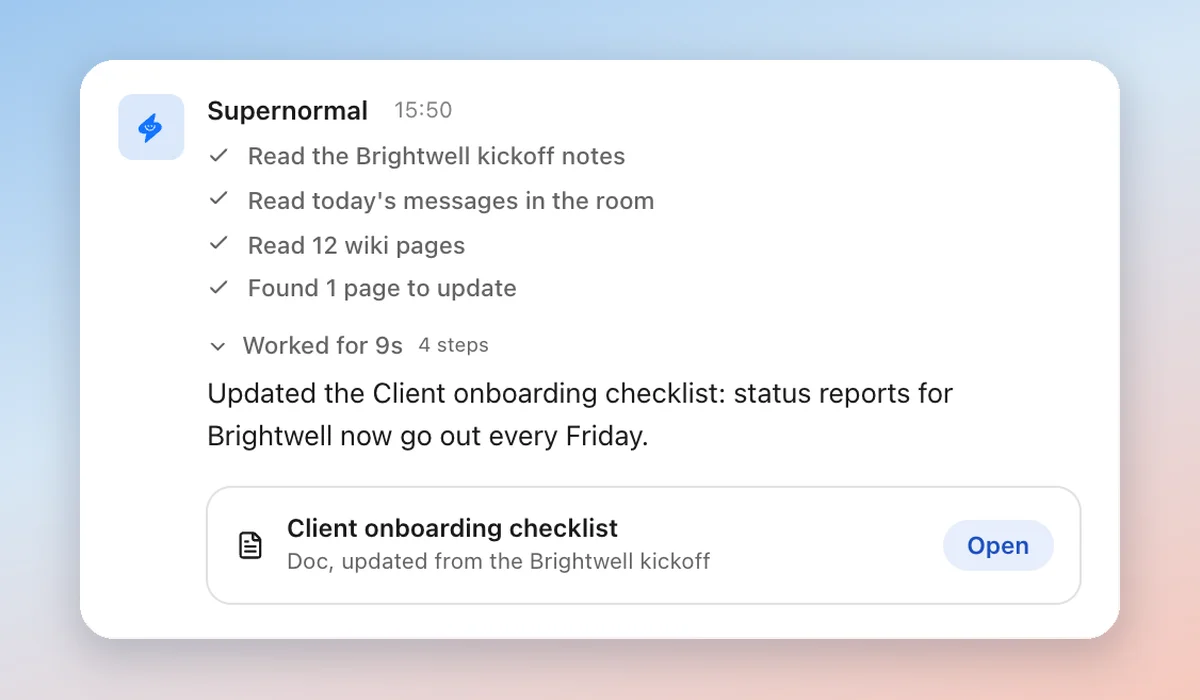
By writing it down where the work happens. Supernormal takes notes in your meetings and adds decisions to your team's pages, so what someone knew is already there before they move on.
No. Supernormal takes notes in your meetings and adds updates to your team's pages on its own.
Gmail and Google Calendar come with your Google Workspace sign-in, and you can connect tools like Google Super (for your Google Drive files) and Notion. What comes up from them in a room reaches your second brain when Supernormal writes it down.
No. Supernormal takes notes without a bot, through its notetaker for Mac and Windows.
Sign up, and your next meeting becomes something your whole team can ask about.